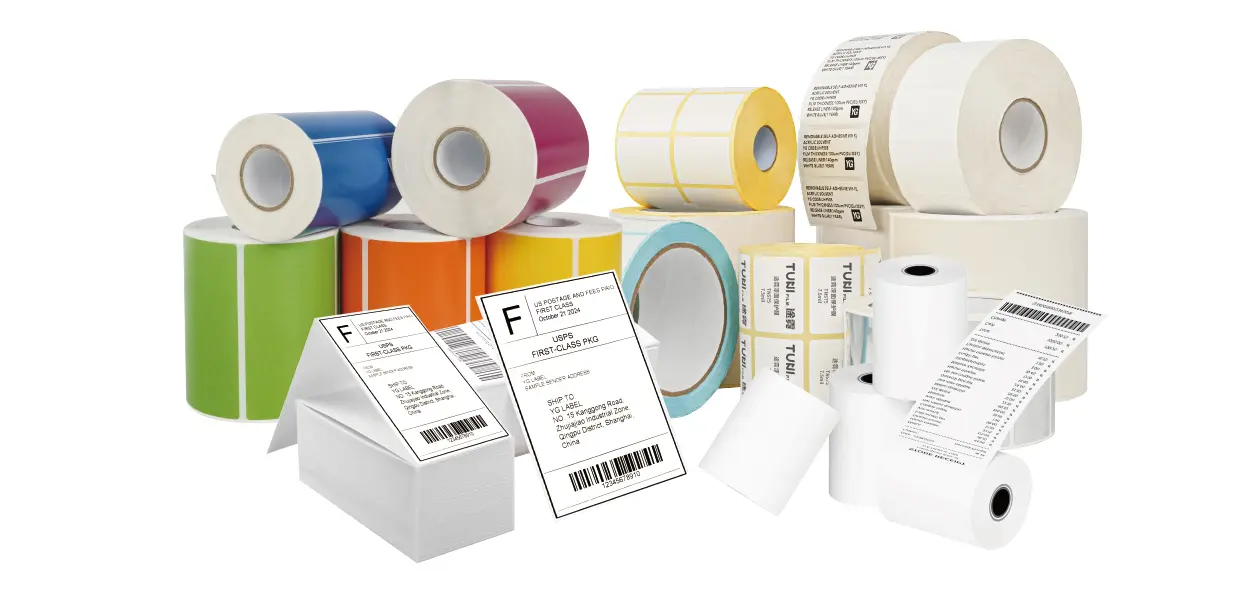

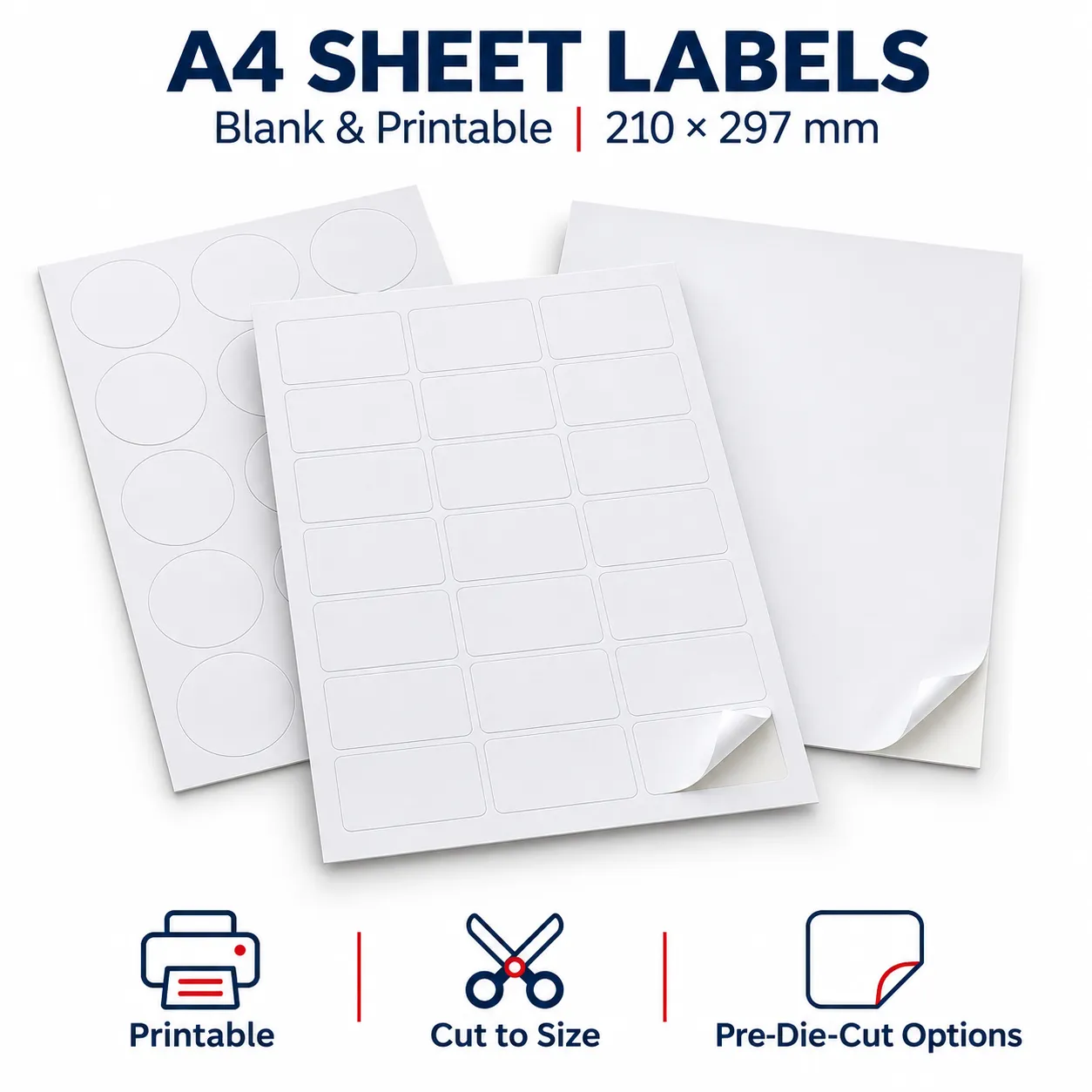
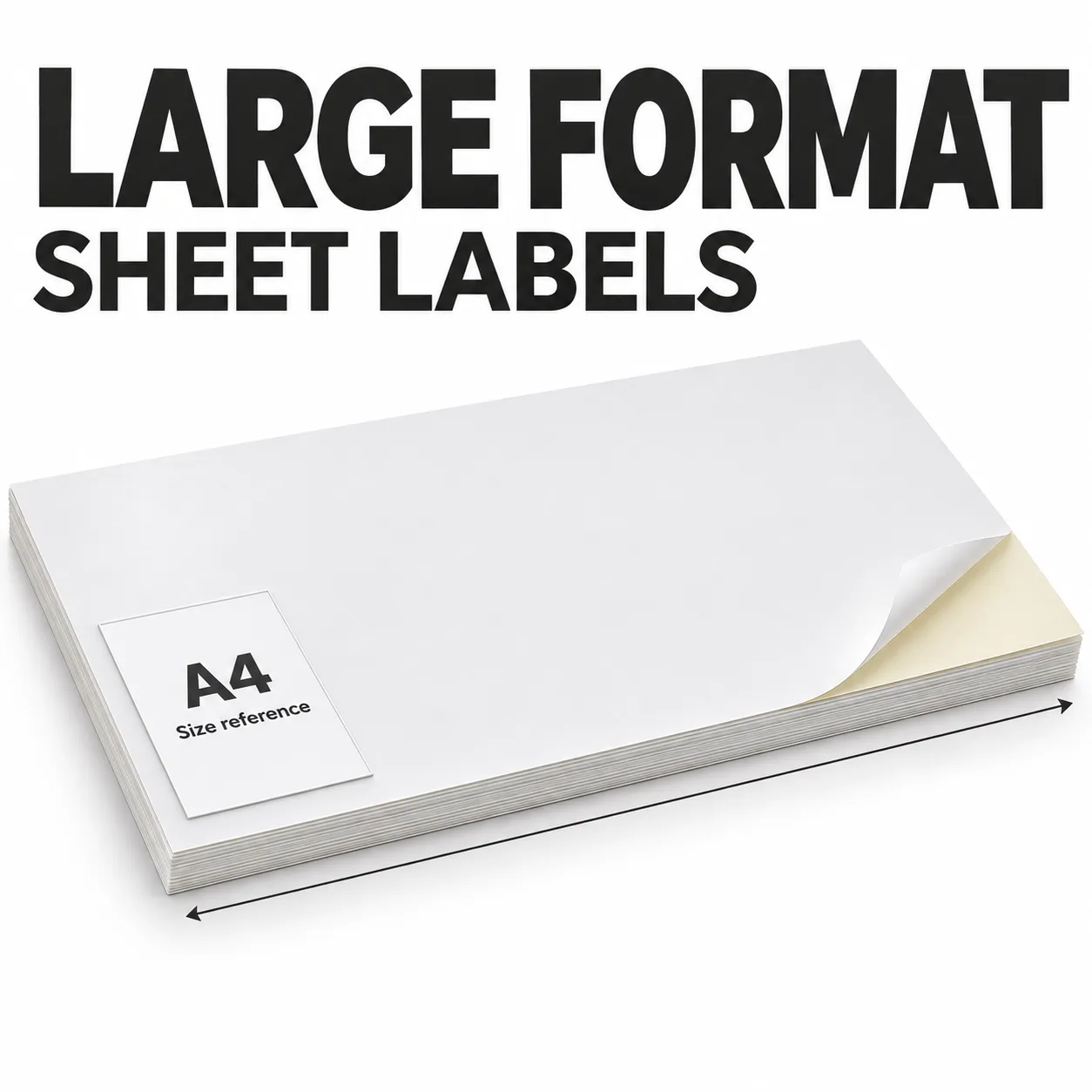
Start with your envelope size and longest address. A 2⅝ × 1 in label on US Letter sheets and a 63.5 × 38.1 mm label on A4 sheets are familiar recipient-address formats. Leave enough room for readable text and any additional address lines. These are layout references; confirm your required format with YG Group.
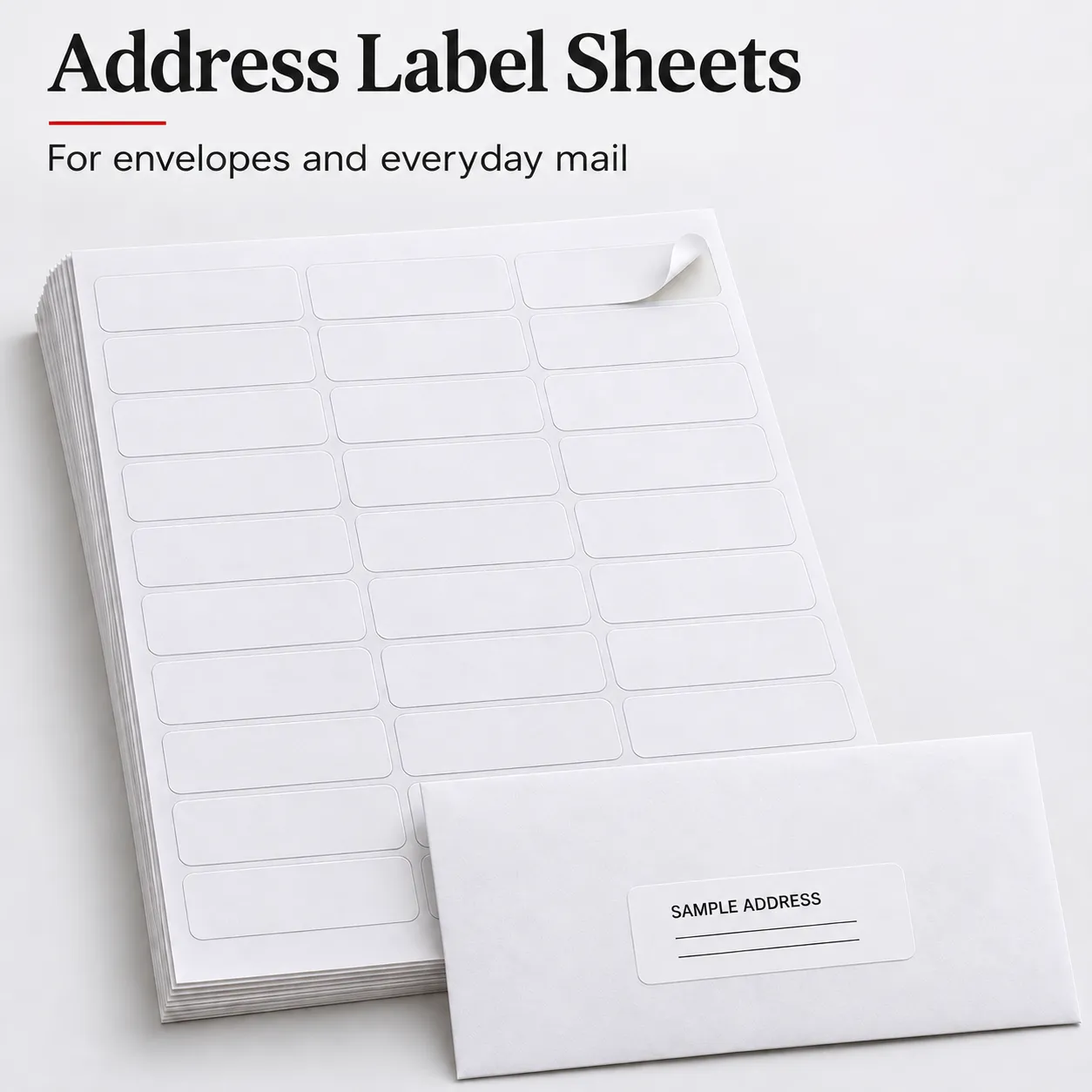
アドレスラベルシート
YGグループのアドレスラベルシートは、受取人住所、返送先住所、ビジネス郵送物用の印刷可能な自己粘着ラベルです。A4、USレター、カスタムダイカットレイアウトがレーザー、インクジェット、商業印刷用途で利用可能です。
プロジェクトに応じて、カスタムのラベルサイズ、素材、接着剤、レイアウト、梱包を指定できます。
Features:
- A4 & USレターフォーマット – 一般的な地域のプリンターフォーマットに対応。
- カスタムラベルレイアウト – カスタムサイズ、間隔、余白、ダイカット対応。
- 複数の印刷オプション – レーザー、インクジェット、商業印刷向けの素材を提供。
- カスタム素材と梱包 – ファーストック、接着剤、ライナー、プライベートラベル梱包の選択肢。
Applications:
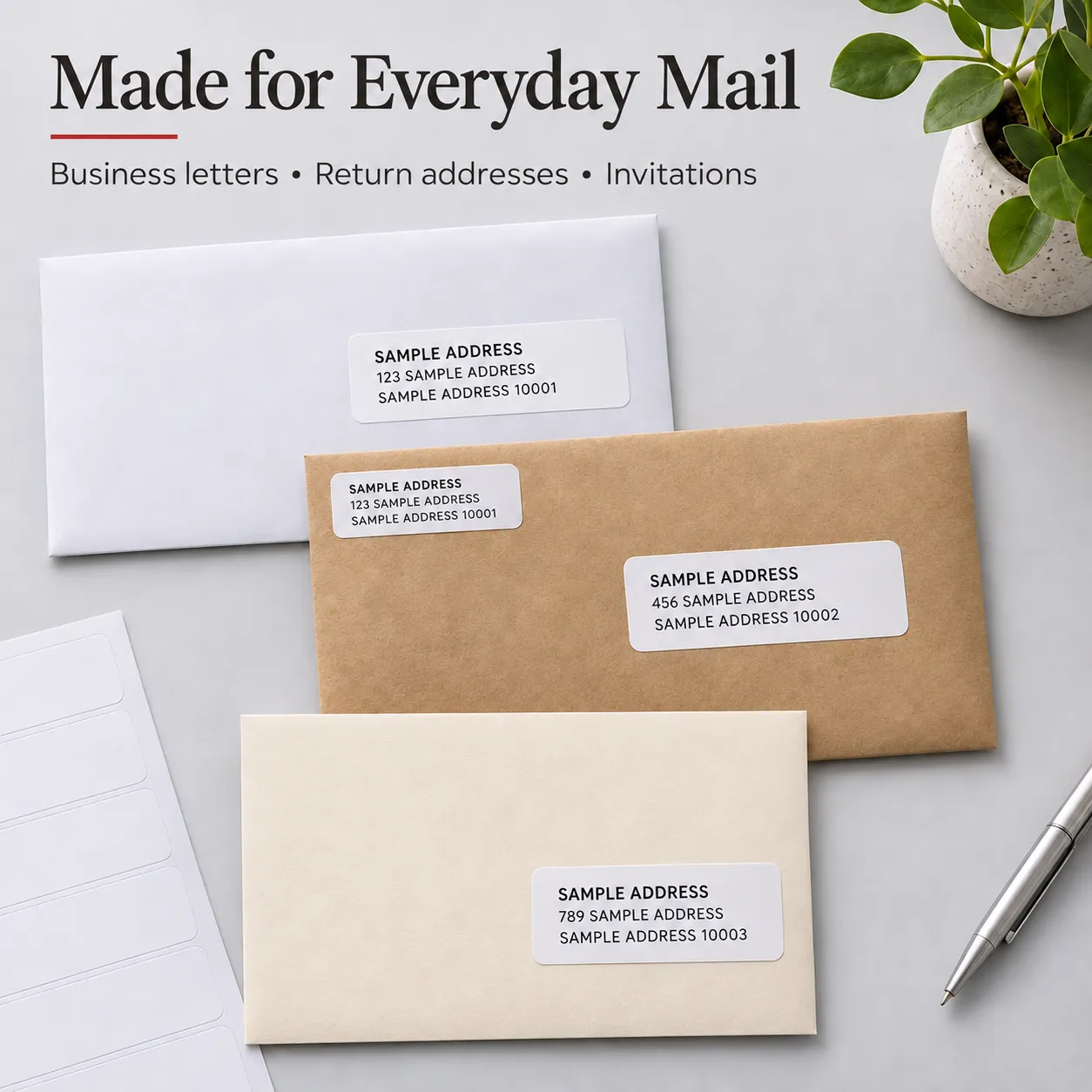
- ビジネス文書および顧客宛の郵送物
- 返送先住所ラベリング
- 招待状、グリーティングカード、およびイベント用通信
- 学校、協会および非営利団体の郵送キャンペーン
利用可能な住所ラベルオプション
| 項目 | YGオプション |
|---|---|
| シート形式 | A4 / USレター / カスタム |
| 貼付紙 | 白紙 / コート紙 / 評価によりフィルム |
| 印刷 | レーザー / インクジェット / 商業印刷 |
| 接着剤 | 封筒の素材および用途に応じて |
| レイアウト | 標準スタイルまたはカスタムダイカット |
| 梱包 | カスタム梱包 / プライベートラベル可能 |
Material and Adhesive Selection
A matte white paper face is a practical starting point for readable address text on dry, indoor mail. For a different finish or exposure requirement, discuss the material and print coating before approving a sample.
| Component | What to specify | Why it matters |
|---|---|---|
| Facestock and finish | White paper, coated paper or a film construction for assessment | Influences appearance, handling and print quality |
| Print surface | Laser, inkjet or the specified commercial process | A material suitable for one process may not work with another |
| Adhesive | Envelope material, application conditions and required permanence | Smooth paper, textured stock and coated envelopes can behave differently |
| Release liner | Liner construction, stiffness and any back-slit requirement | Affects handling, label release and feeding |
| Total thickness | Complete construction caliper | Must remain within the printer’s approved media limits |
| Exposure | Dry mail handling, moisture or abrasion requirements | Determines what needs to be evaluated in the finished printed label |
For routine envelope addressing, discuss a permanent adhesive on the actual envelope stock. For plastic mailers or damp conditions, request a separate material assessment. Standard paper address labels should not be assumed waterproof.
What Are Address Label Sheets?
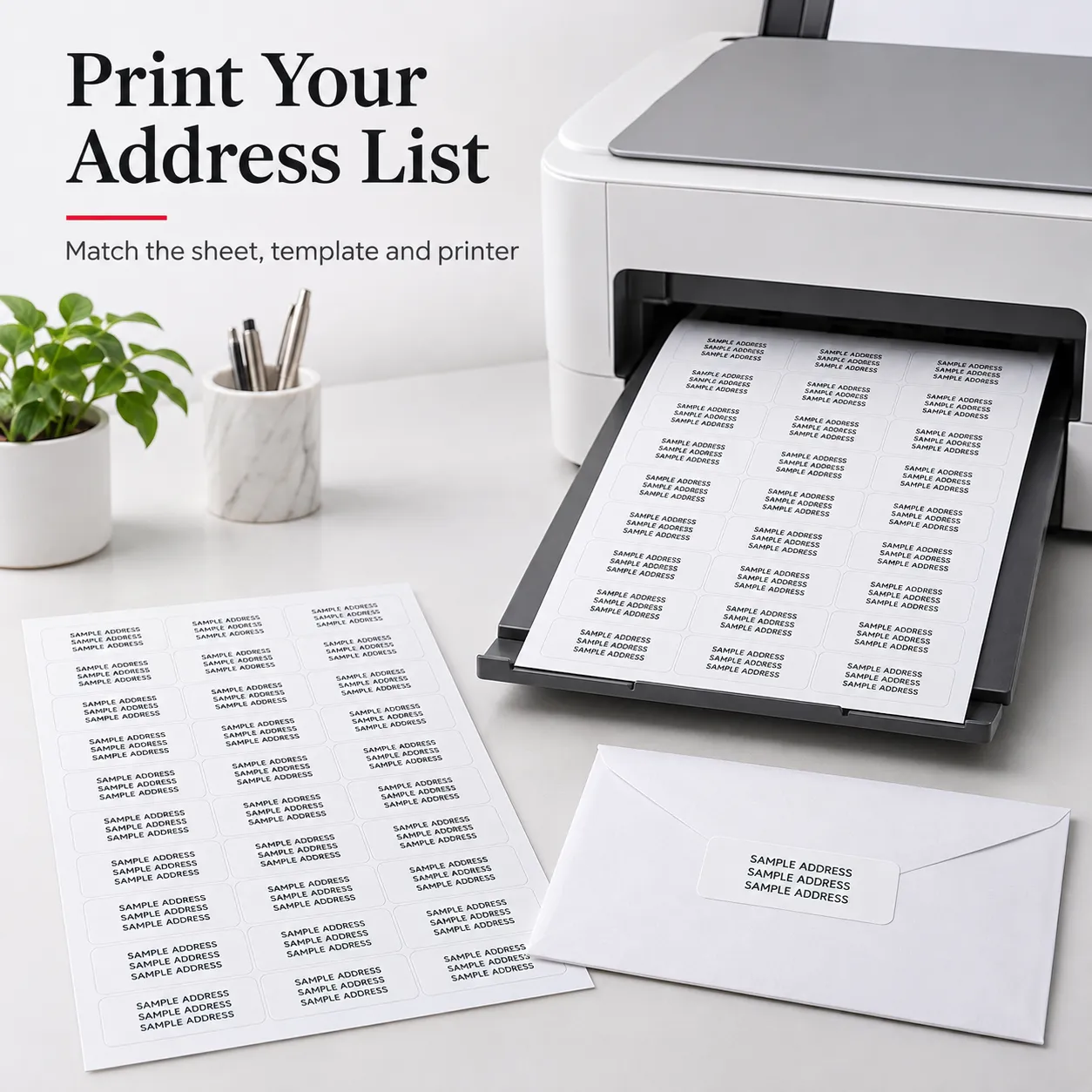
Address label sheets are flat sheets of self-adhesive labels used to print recipient or sender details for envelopes and other mail. Multiple labels share a release liner, so a mailing list can be printed as a batch and individual labels peeled off for application.
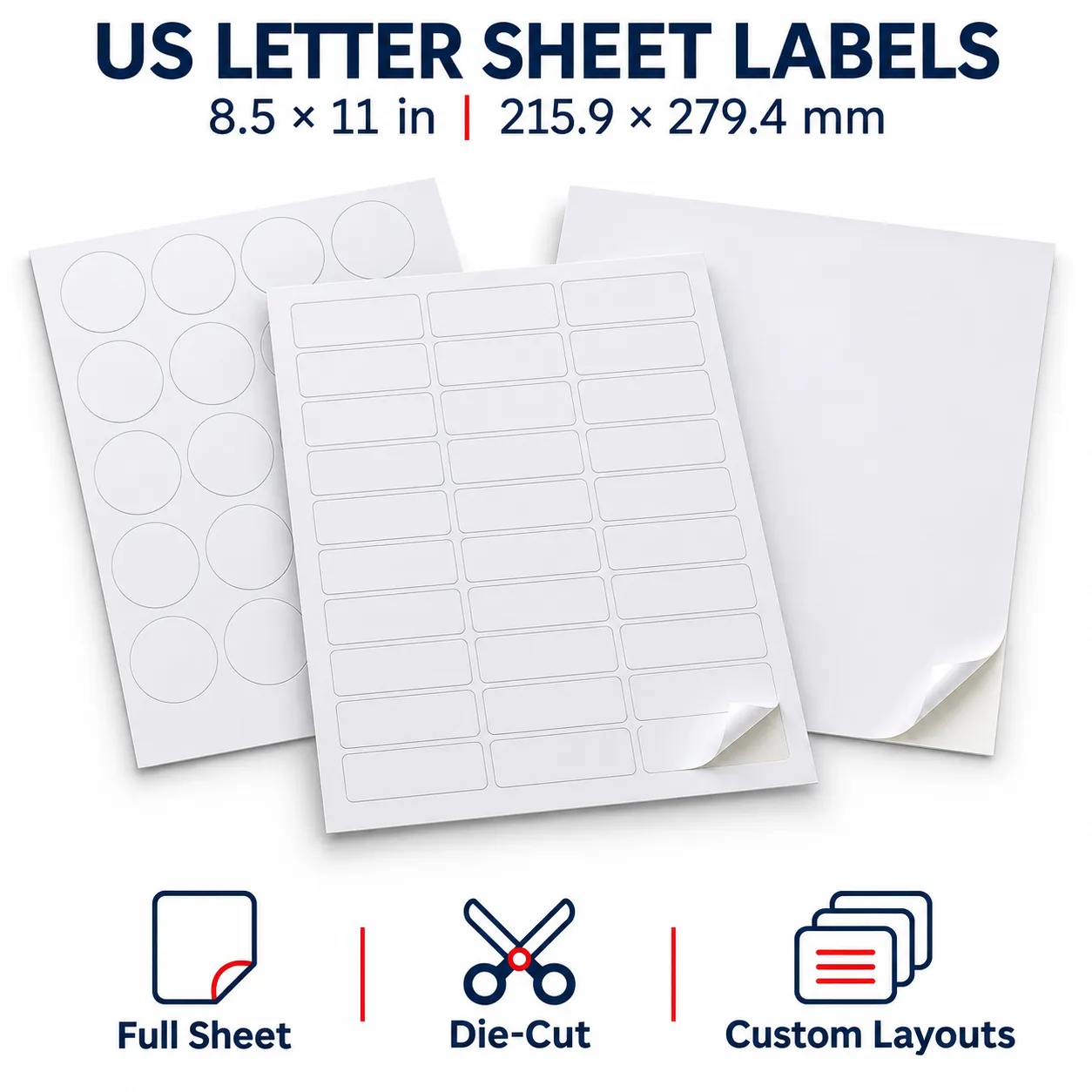
The sheet size is different from the label size. A US Letter sheet measures 8.5 × 11 in (215.9 × 279.4 mm), while an A4 sheet measures 210 × 297 mm. Each can carry many smaller labels, depending on the chosen layout.
For a successful address-label project, match four things: the envelope, the address content, the sheet layout and the printer-approved material.
Choose a Format for Your Mailing Task
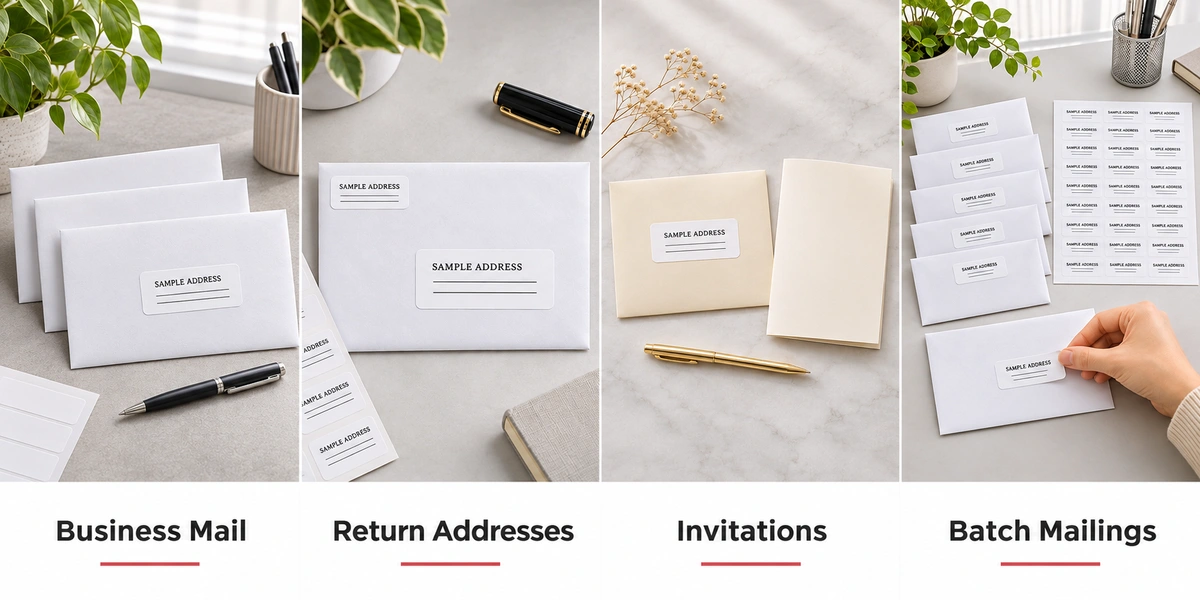
| Mailing task | What to prioritize | Selection tip |
|---|---|---|
| Recipient addresses | Space for the full address without crowded text | Test the longest address in your list, including company or apartment details |
| Return addresses | A compact label for sender information | Keep sender details readable and visually distinct from the recipient address |
| Business correspondence | Consistent text placement and appearance | Use one approved layout across repeat mailings |
| Invitations and greeting cards | A neat finish that suits the envelope | Check the contrast and appearance on the actual envelope stock |
| Batch mailings | Accurate variable data and repeatable alignment | Preview the merged address list and test a full sheet before printing the batch |
Address Label Sizes and Sheet Layouts
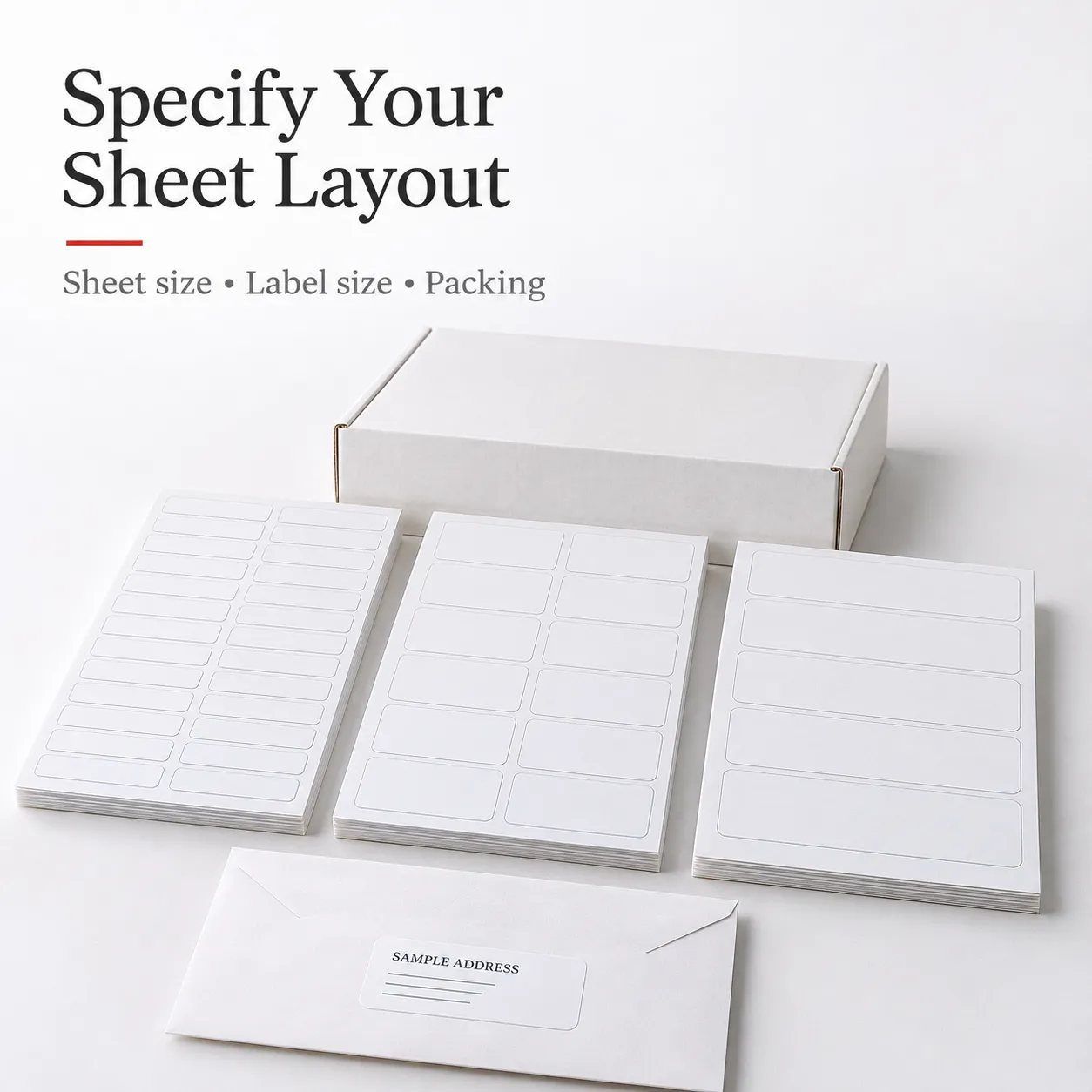
The formats below are established market references for discussing a layout. They are not a YG Group stock list. Supply availability, tooling, margins and template alignment must be confirmed for your order. Dimensions are shown as label width × height.
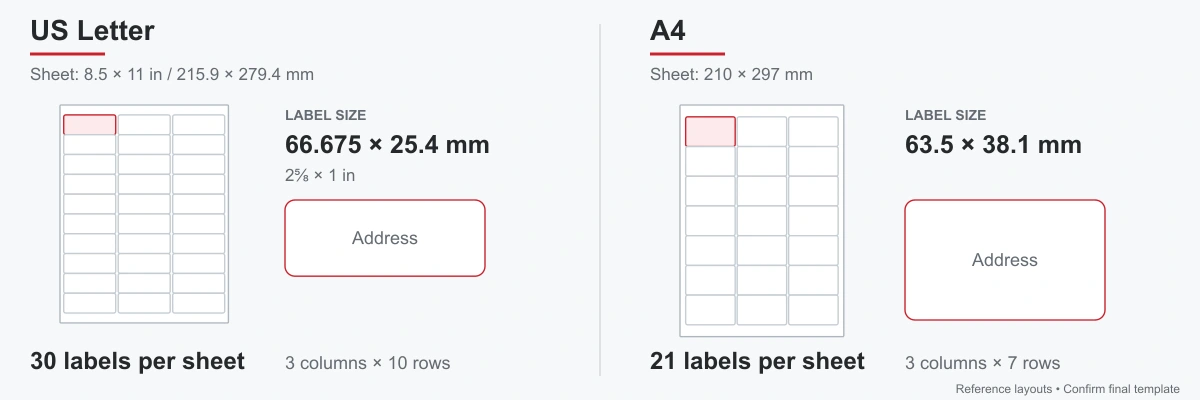
| Sheet format | Individual label size | Labels per sheet | Typical use |
|---|---|---|---|
| US Letter | 2⅝ × 1 in / 66.675 × 25.4 mm | 30 | Standard recipient addresses |
| US Letter | 4 × 1 in / 101.6 × 25.4 mm | 20 | Wider address lines |
| US Letter | 4 × 1⅓ in / approx. 101.6 × 33.87 mm | 14 | Addresses needing more vertical space |
| US Letter | 1¾ × ½ in / 44.45 × 12.7 mm | 80 | Compact return addresses |
| A4 | 63.5 × 38.1 mm | 21 | Recipient addresses on envelopes |
| A4 | 63.5 × 33.9 mm | 24 | Compact recipient addresses |
| A4 or US Letter | Project-specific | Determined by the approved drawing | Custom envelope and mailing requirements |
Need to match an existing template?Send the layout drawing or template file. Label width and height alone do not establish compatibility: sheet dimensions, top and side margins, horizontal and vertical pitch, spacing and corner geometry must also match.
Laser or Inkjet: Match the Complete Construction
For laser printers: Request a construction assessed for the printer’s heat and media path. Confirm the complete sheet thickness and the recommended label-media settings.
For inkjet printers: Request a print surface matched to the ink system. Check text sharpness, drying and resistance to handling after printing.
For commercial printing: Provide the press model, ink or toner system and any finishing process. General sheet label availability does not establish desktop-printer compatibility.
If a pack is to be sold as suitable for both laser and inkjet, validate the proposed construction on the intended equipment before making that claim.
How to Print Address Label Sheets
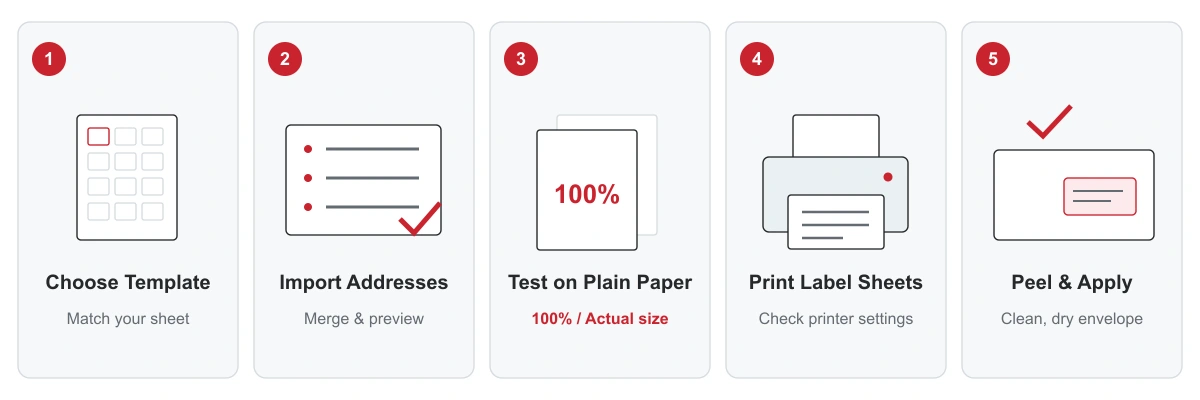
- Confirm the sheet and template. Select A4 or US Letter and use the approved label layout. Verify margins and spacing, not just the label count.
- Prepare your address list. Use separate fields for recipient, company, street, unit, city, region, postal code and country as needed. Preserve leading zeros in postal codes.
- Build and preview the labels. Use a label-design tool or a mail-merge workflow that accepts the approved layout. Check long names, missing fields, duplicates and international addresses.
- Test on plain paper. Print at 100% or actual size with page fitting disabled. Compare the full page against an unused label sheet, including the bottom row.
- Print a small label trial. Follow your printer manual for media settings, loading direction and tray selection. Check feeding, alignment, drying or toner adhesion before continuing.
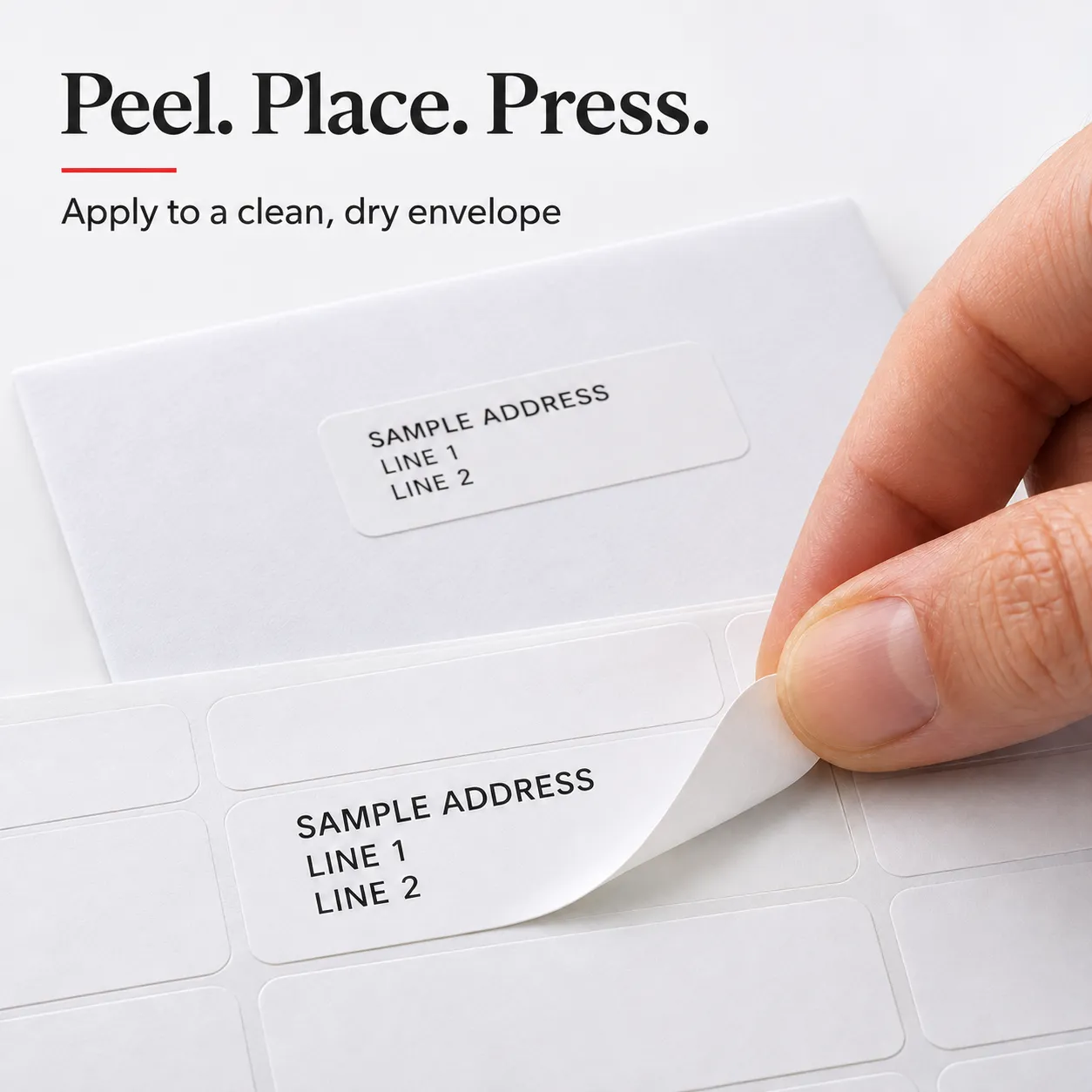
- Peel, place and press. Apply to a clean, dry envelope. Keep the complete label flat, away from folds and openings, and follow the destination postal service’s address-placement requirements.
Use a fresh, intact sheet unless the printer manufacturer explicitly permits another practice. Store unused sheets flat in their protective packaging under the agreed storage conditions.
Explore Sheet Label Formats
Get Pricing & Product Details
Share your requirements, and our team will recommend a suitable specification and provide pricing within 1 business day.
Work Email*
Company*
Requirements*
Address Label Sheets FAQ
The terms often overlap. Address labels specifically carry sender or recipient details, while mailing labels can describe a broader range of labels used in preparing mail. For an inquiry, state the content, dimensions and intended use.
Yes, if the printer accepts self-adhesive label sheets and the selected construction is suitable for its printing process and media limits. Check the printer manual and test the proposed material. Do not assume all sheet labels work in both laser and inkjet printers.
Water resistance depends on the face material, print surface, ink or toner and adhesive together. Standard paper address labels are generally suited to dry conditions. For moisture exposure, specify the conditions and evaluate the complete printed label.
Do not assume clean removal from a permanent label. If removal is required, specify the envelope stock, intended dwell time and acceptable residue or fiber damage so a suitable construction can be assessed.
Send your sheet dimensions, layout drawing, quantity and packing requirements for assessment. Availability and any tooling or setup requirements are confirmed in the quotation.
They depend on the material construction, die-cut layout, quantity and packing. Include your delivery destination and target date so production and transport timing can be quoted separately.
Request Sheet Labels Samples or a Quote
Work Email*
Company*
Requirements*
Related Articles
 View More